Google Play Rejection: Ad Compliance Risks in Children's Apps
If you're building an app for children, you probably spend a lot of time checking your own content — the UI, screenshots, descriptions, in-app features. But there's another part that's easy to overlook: the ads shown inside your app.
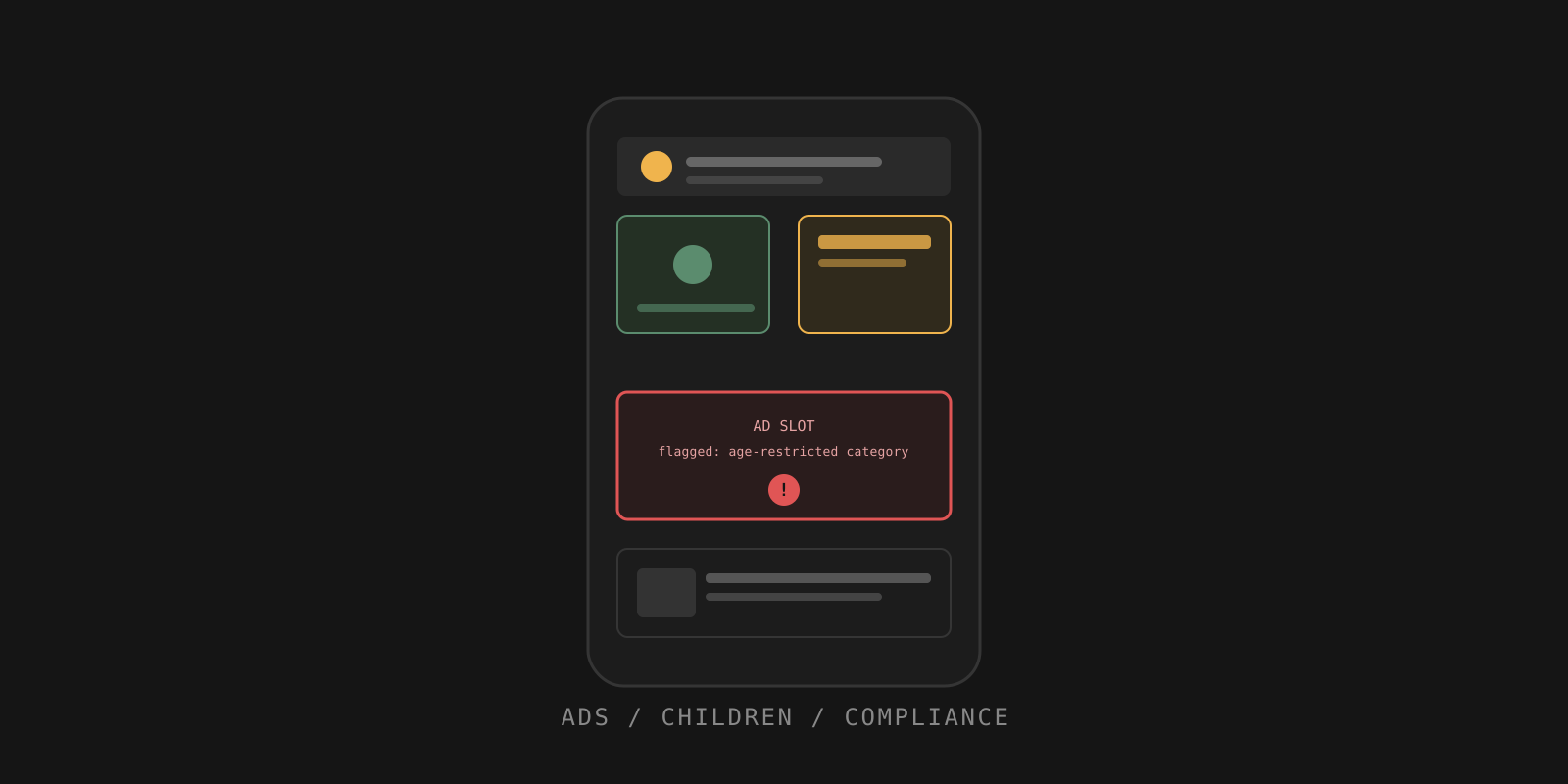
Not your content, still your problem
Your app can be completely appropriate for children, while an ad served through your advertising SDK promotes something that clearly isn't. From a compliance perspective, that becomes your problem.
This is one of those areas where developers often think: "I don't control which ads are shown." But relying on that assumption can be risky. If your app is directed at children, advertising needs to be treated as part of the overall compliance picture — not as something completely separate.
Ad categories that deserve particular attention
1. Inappropriate content
Children's apps shouldn't expose users to advertising containing disturbing imagery, sexually suggestive material, offensive themes, or other content unsuitable for their age group.
Example: A simple educational app for 7–10-year-olds is completely child-friendly, but an ad displayed between lessons contains suggestive imagery. The problem isn't your educational content — it's the ad being shown to your audience.
2. Inappropriate video games and software
An ad network may serve promotions for games or software that aren't appropriate for children. It's easy to overlook this when you assume the network automatically filters everything based on your app's audience.
Example: You publish a puzzle game aimed at children, but an ad promotes a mature-rated action game. Even though the advertised game isn't part of your app, children are still exposed to that promotion.
3. Controlled or harmful substances
Depending on the ad network and configuration, you need to make sure your setup doesn't allow inappropriate categories to reach a child-directed audience.
Example: A child playing a colouring app receives an ad promoting a product related to nicotine or another restricted substance. The app itself may be perfectly safe — the advertising experience isn't.
4. Gambling ads
A child-directed app shouldn't become an unexpected channel for gambling promotions.
Example: A football quiz for children shows an ad promoting sports betting during the quiz. The content of the app hasn't changed — but the audience receiving the advertisement has.
5. Adult content
This sounds obvious, but developers sometimes focus exclusively on their own content and forget about third-party advertising entirely.
Example: A drawing app for kids displays a banner advertising an adult-oriented service. It doesn't matter that the banner comes from an external advertiser — the child still sees it inside your application.
6. Dating and relationship services
Dating advertising creates an obvious mismatch with a child-directed audience.
Example: A kids' educational game shows a promotion for an adult dating service. Even if the ad complies with the platform's general rules, it's clearly inappropriate for your app's audience — exactly the kind of situation to prevent before publishing, not after a policy warning.
7. Violent content
Violent imagery doesn't need to be explicitly graphic to become problematic for a child audience.
Example: A children's math game displays an ad for a mature action game featuring weapons and violent scenes. You didn't create that advertisement — but you did choose the advertising setup and the audience for your app. That distinction matters.
Don't assume that "it's just an ad" makes it irrelevant to your compliance review.
What developers should actually do
Stop treating ad configuration as an afterthought. If your app is directed at children, your advertising SDK needs to know that.
For example, when using Google AdMob, developers can use child-directed treatment settings such as:
tag_for_child_directed_treatment=true
The goal is to explicitly communicate that the request is associated with a child-directed app, so the ad platform can apply appropriate restrictions. Don't simply assume the SDK will figure it out automatically. Your app's audience, your ad SDK configuration, and the categories of ads being served should all be considered together.
SDK parameters and platform recommendations change over time — always check your ad network's current documentation before publishing.
The takeaway
Your app doesn't have to contain inappropriate content to run into an advertising compliance problem. Sometimes the issue is sitting inside the ad slot.
If you're building a child-directed app, don't stop your compliance review at "Is my app appropriate for children?" Also ask: "Could the advertising shown in my app be inappropriate for children?" That extra check can save you from a problem that's surprisingly easy to overlook.
Check your listing before Google does
SubmitSafe reviews your title, descriptions, metadata and screenshots for policy risks — free, in about 60 seconds. Ad SDK configuration happens inside your app itself, so review it separately using your ad network's documentation.
Check for freeCan my app get rejected because of an ad, even if my own content is fine?
Yes. If your app is directed at children, ads served through your advertising SDK are part of the compliance picture. An inappropriate ad inside an otherwise compliant app can still trigger a rejection or policy warning.
What is tag_for_child_directed_treatment?
It's a setting available in ad SDKs such as Google AdMob that explicitly tells the ad network a request comes from a child-directed app. Always check the current SDK documentation before implementing it, since parameters can change.
Does SubmitSafe check my ad SDK configuration?
SubmitSafe's checks review your store listing — title, descriptions, metadata and screenshots. Ad SDK configuration happens inside your app itself, so review it separately using your ad network's documentation.